
The branded meeting room
Your meeting.
Your room.
Host your video meetings inside your own branded page — your logo, your offers, and a moment worth celebrating.
No credit card required. Bring the meeting account you already use.
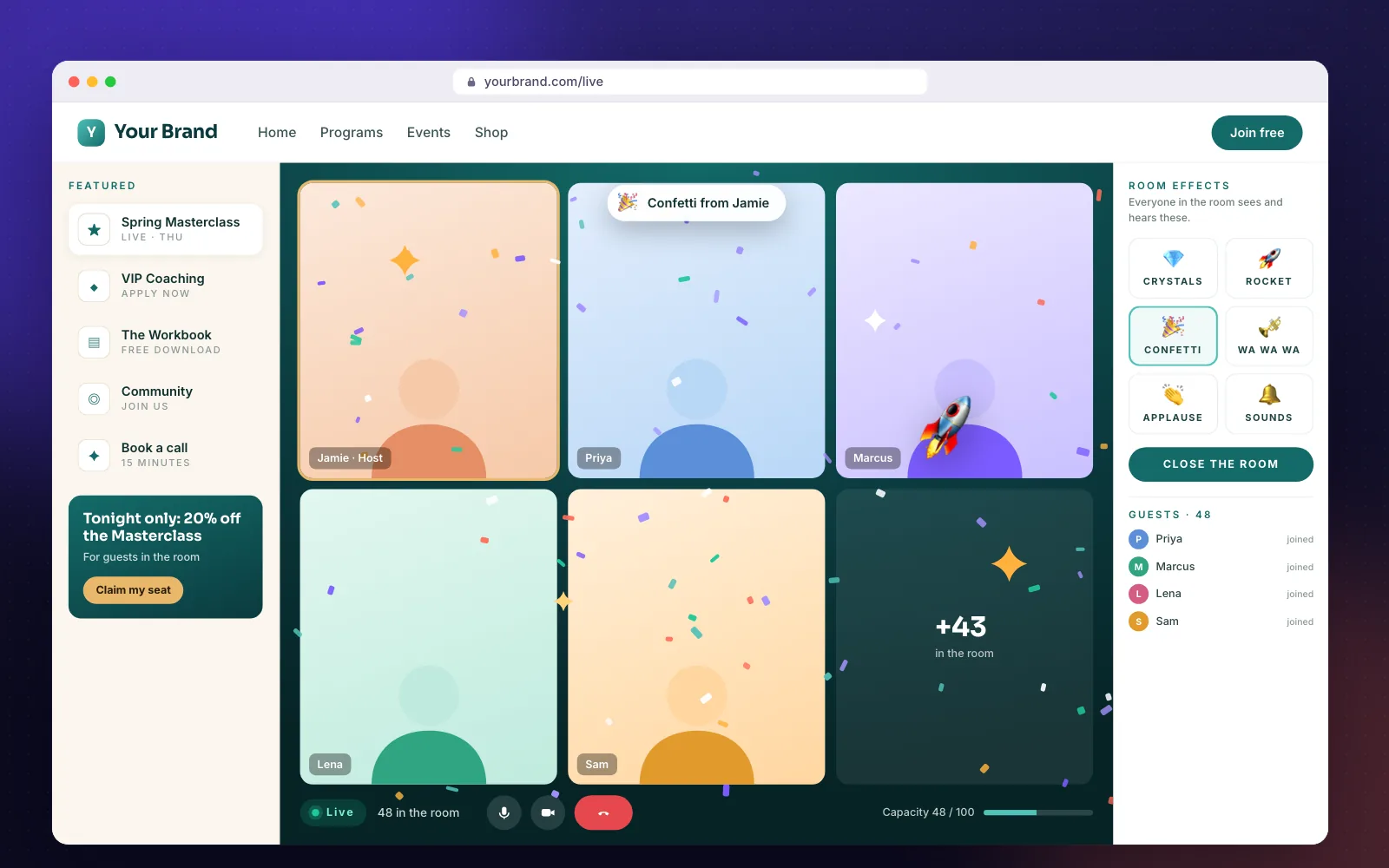
Right now your biggest moments happen inside someone else's app — a grey link, a grey window, and everyone gone the second it ends. BrandedRooms brings the meeting home.
How it works
Three steps to your own room.
01
Connect your meeting account
Link the meeting account you already use. Your meeting, your licence, your settings — nothing new to procure.
02
Dress your room
Add your logo, colours and the offers you want people to see beside the meeting.
03
Open the doors
Share one link. Guests enter their name and email, wait in your branded lobby, and come in together the moment you press Start the room.
Features
Everything around the meeting, made yours.
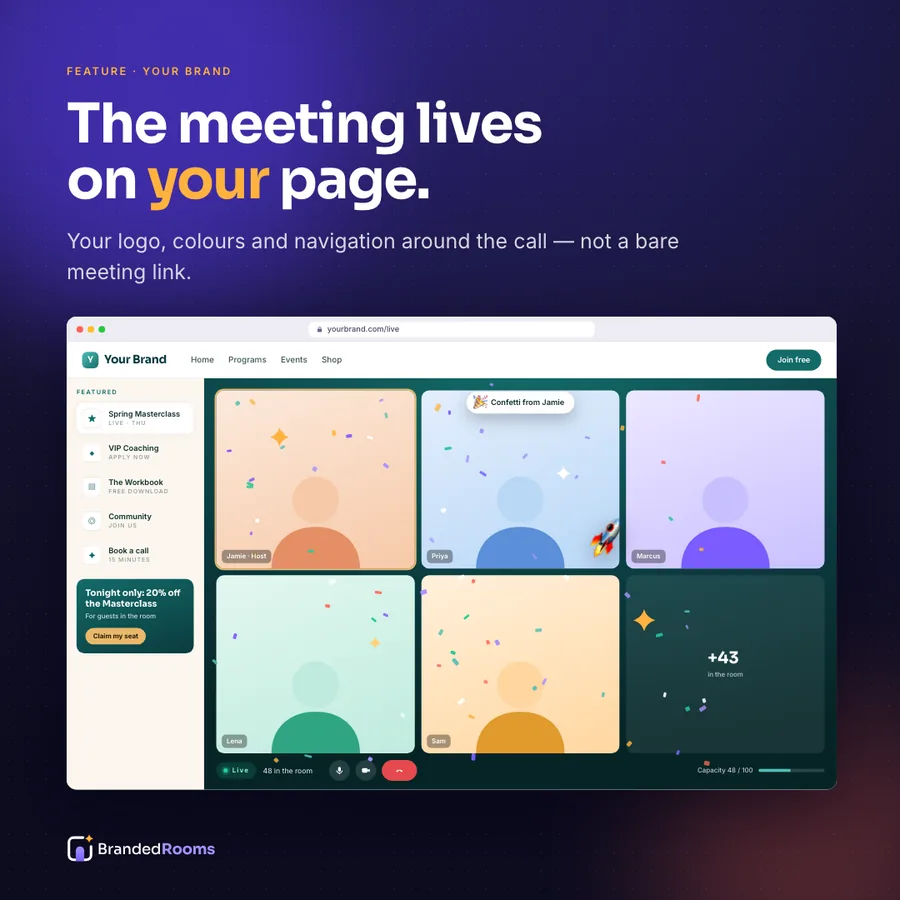
The meeting, inside your page
Your video meeting runs right on your own web page — no bouncing guests out to another window.
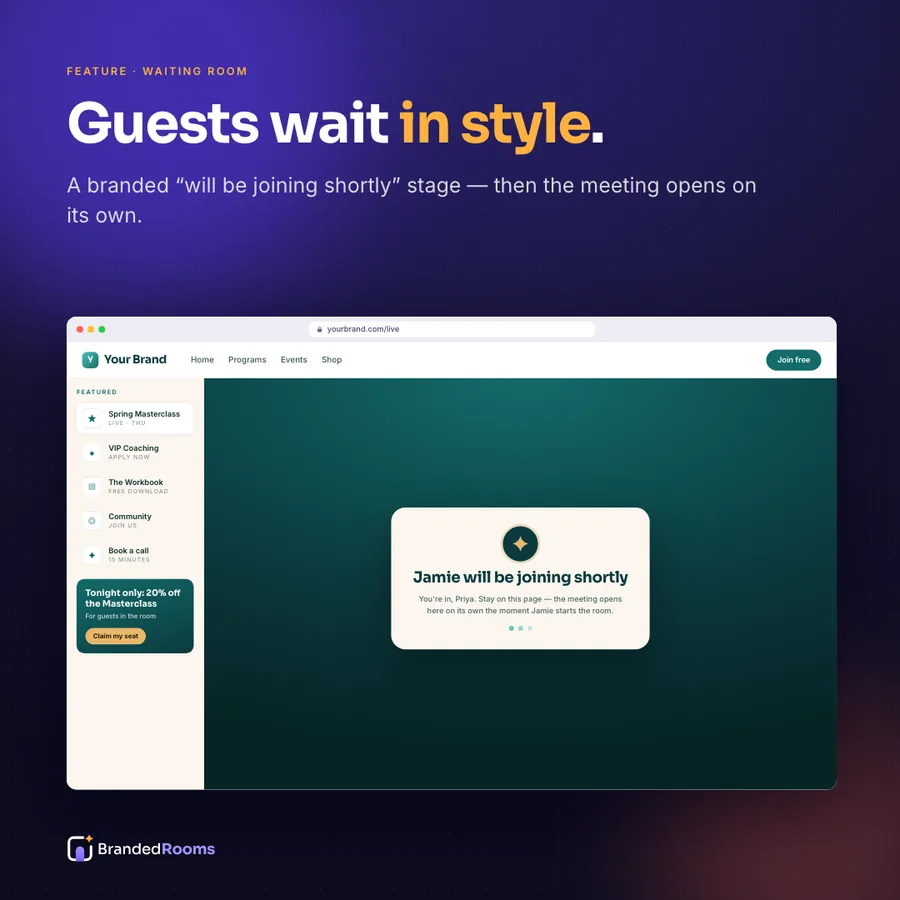
A waiting room with your name on it
“[Your name] will be joining shortly” — in your colours, not a grey holding screen.
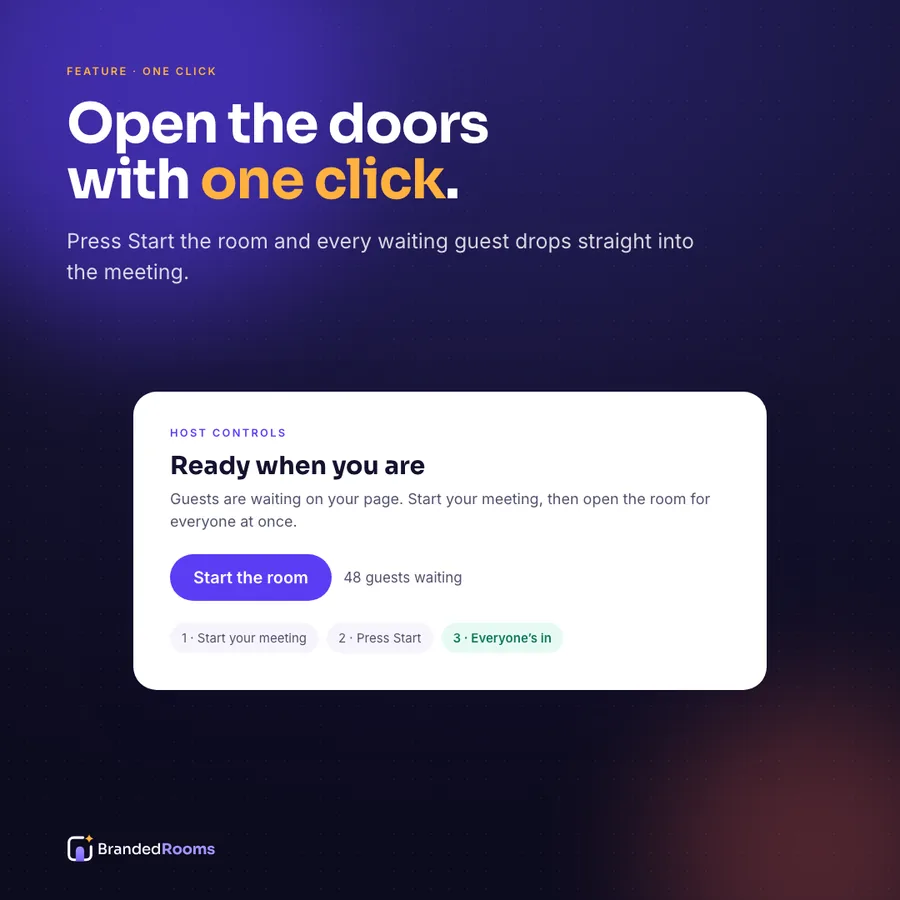
One-click Start the room
Start your meeting as host, press one button, and every waiting guest is let in together.
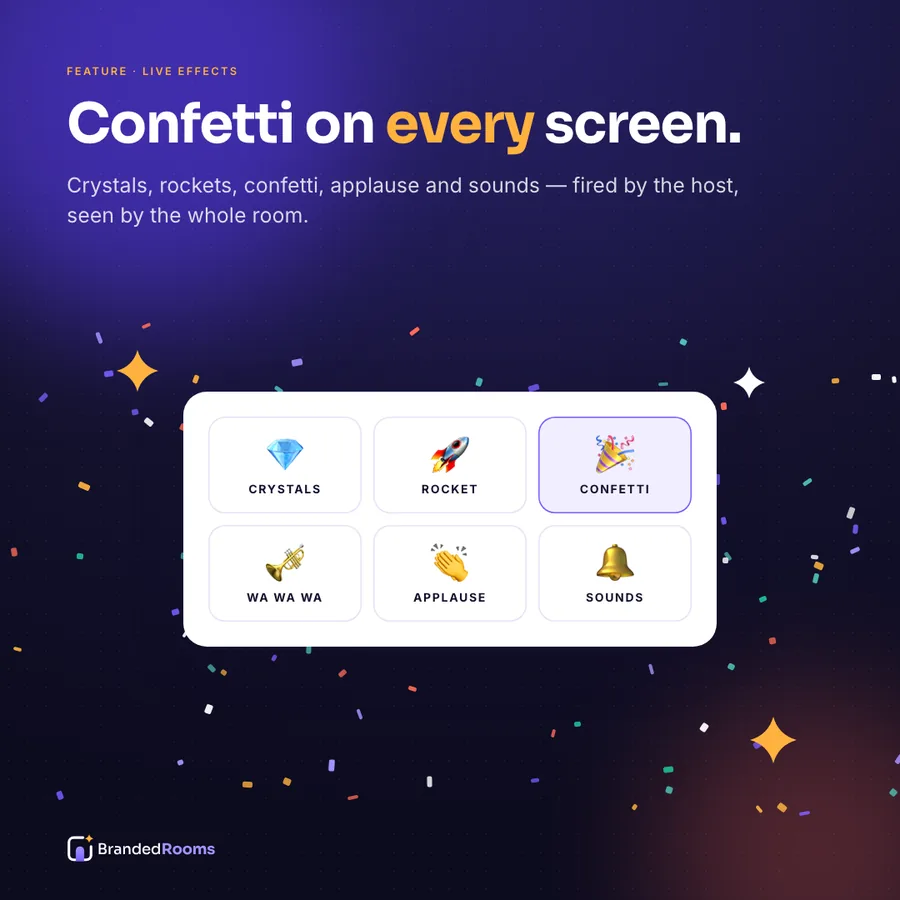
Moments people remember
Confetti, crystals, rockets, applause and sound — fired by you, on every guest's screen at once.
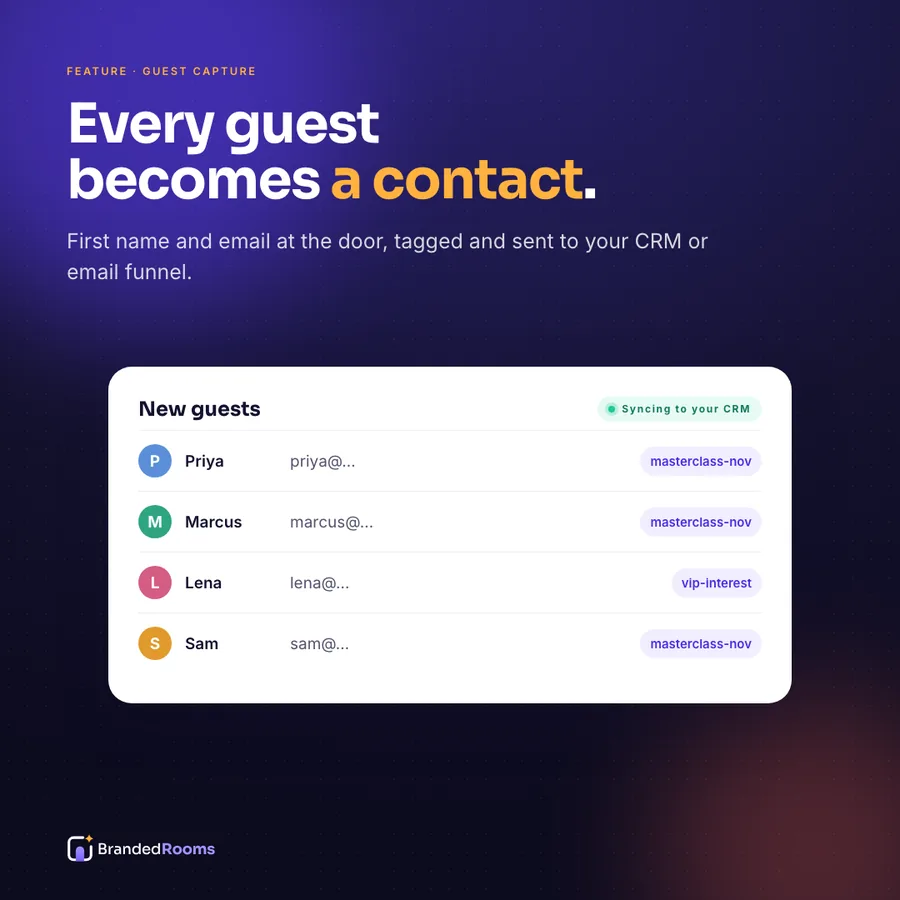
Every guest becomes a contact
First name and email at the door, tagged by event and sent to your CRM or email list.
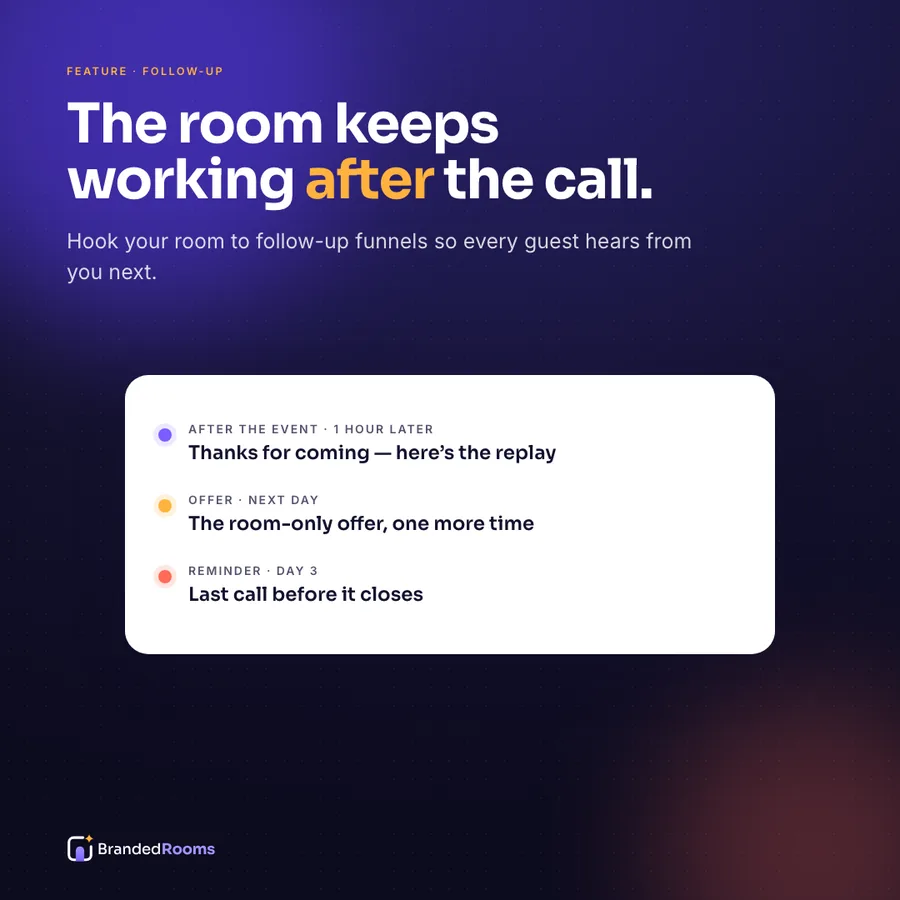
The follow-up is already done
After the event, guests flow into the funnel you choose — replay, offer, next event.
Use cases
Built for two kinds of rooms.
For teams
All-hands, kickoffs, client webinars, training and launches.
- On-brand from the first second, on a page your people trust
- Agendas, resources and next steps beside the meeting
- Know exactly who attended
- Celebrate the wins out loud
For coaches, creators & small businesses
Masterclasses, community calls, launches and celebrations.
- Your brand, not a link someone else owns
- Sell while you teach — offers one click away
- Every guest lands on your list, tagged
- Turn the big moment into a party
Try it free
30 days to make it yours.
Open your account, set up your room step by step and see what your guests will see. No credit card required. Bring the meeting account you already use — we never resell licences.
FAQ
Frequently asked questions
What is BrandedRooms?+
BrandedRooms is a branded meeting room: a web page with your logo, colours and navigation that hosts your video meeting inside it. Guests wait in a lobby that says you will be joining shortly, the meeting starts on the page when you press Start the room, every guest is captured into your CRM, and you can fire celebration effects on every guest's screen.
How does a branded meeting room work?+
Three steps: connect the meeting account you already use, dress your room with your logo, colours and offers, then open the doors. Guests enter their first name and email, wait in your branded lobby, and are let in together when you start the room.
Do guests need to download anything?+
No. Guests join in the browser, right on your room page. Anyone who prefers the meeting app can still use the regular link.
Do I need my own meeting account?+
Yes. You bring the meeting account and licence you already have; BrandedRooms hosts that meeting on your page. Your settings, your recordings, your plan — billed by your meeting provider, not by us.
Is there a free trial?+
Yes. Every account gets 30 days of the Generic Room free, with no credit card. When the trial ends your room stops opening for guests until you choose a plan — your settings and guest data are kept.
Who owns my guests' details?+
You do. Guest names and emails go to you and the tools you connect — never sold and never shared with other customers.
Can I use BrandedRooms today?+
Yes — start your free 30-day trial today and set up your room step by step: name and address, brand, meeting connection, passcode and capacity. The hosted room engine that runs your live events is being prepared; your account shows its status and we tell you the moment your room can open its doors.





Open the doors to your own room.
No credit card required. Bring the meeting account you already use.