
Training
Training sessions with everything beside the meeting
Training works when the material is in reach and attendance is clear. BrandedRooms keeps the workbook, the quiz and the next module beside the meeting and records who came.
Material in reach
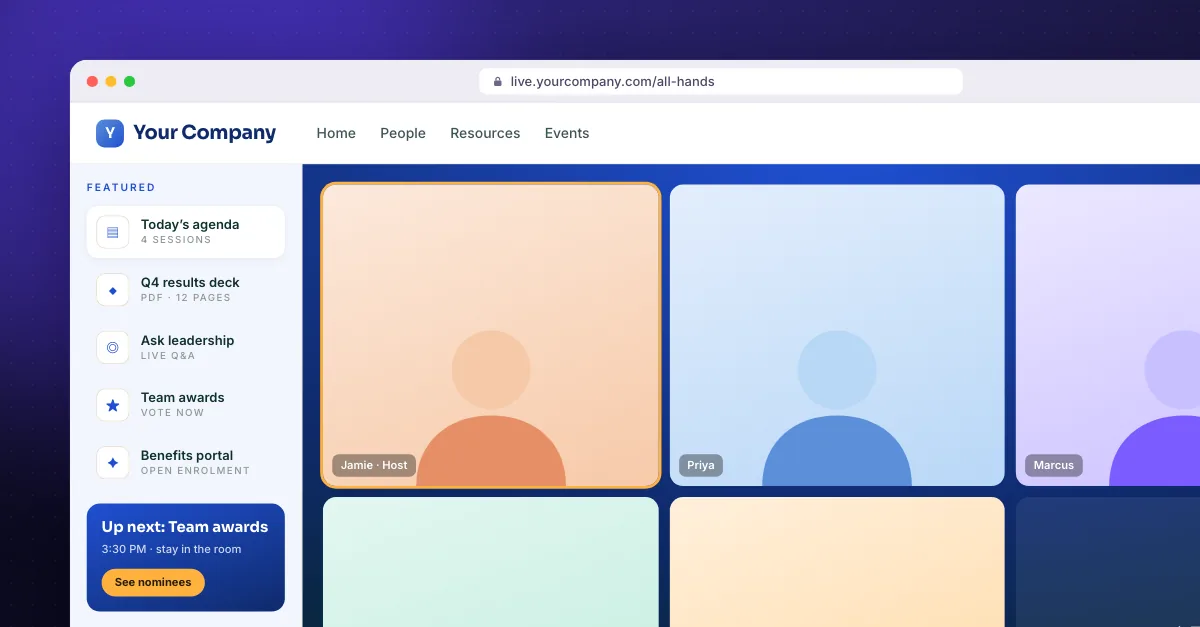
Workbooks, checklists and quizzes open beside the meeting, so nobody hunts for a link in the chat.
Attendance without a spreadsheet
Name and email at the door, tagged by session — the attendee list builds itself and exports in one click.
A recurring room
Use the same branded room for every cohort; people learn one address and come back to it.
What you get
- Resources rail for workbooks and quizzes
- Attendance captured at the door
- CSV export
- Persistent room address
- Capacity warnings
FAQ
Training: questions
Can we reuse the same room for every session?+
Yes. Rooms are persistent, so a weekly or monthly training room keeps the same address.
How many people can attend?+
Everyone in your room counts toward your meeting licence's participant limit. The room warns you as you approach it.
Can we export attendance?+
Yes. Guest capture includes a CSV export on every plan.
More use cases
Open the doors to your own room.
No credit card required. Bring the meeting account you already use.